How to Give Any AI Agent a Safe Crypto Wallet in Under 5 Minutes (2026 Edition)
A practical guide to safer AI wallet execution with OpenClawCash, covering guarded transfers, balance checks, structured swaps, and why safe defaults matter.

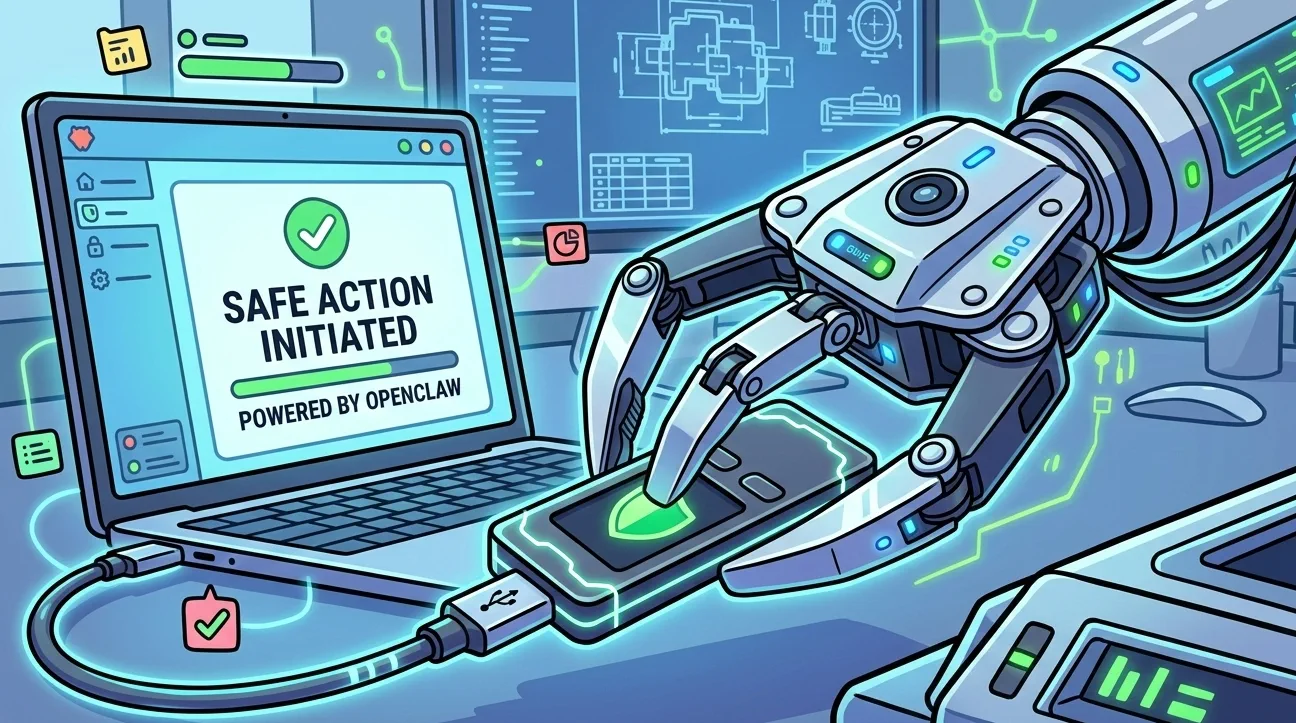
In 2026, AI agents are no longer limited to drafting text or summarizing dashboards. They are starting to do real economic work: checking balances, moving funds, paying for services, and executing onchain actions.
That shift creates a hard infrastructure problem. Traditional wallets such as MetaMask or Phantom were designed for humans clicking through approval screens, not for autonomous systems that need to operate continuously and safely.
The moment you place a raw private key inside an agent workflow, the risk profile changes completely. A single bad prompt, poorly written tool, or missing safeguard can turn a useful automation into a treasury incident.
That is the gap OpenClawCash is designed to solve.
Instead of treating the wallet as a piece of consumer software, OpenClawCash treats it as agent infrastructure: cross-chain wallet support, spending limits, address whitelists, swap execution, transaction history, and a workflow an agent can operate through plain-English instructions.
This guide walks through the practical setup and explains why the model works.
Why AI agents need a different wallet model
Human wallets assume a person is always present to review a popup, inspect an address, and decide whether a transaction looks safe.
Agents do not work that way. If an agent is expected to act autonomously, it needs a system that can enforce policy before execution rather than relying on a human to catch every mistake at the last second.
That means a production-ready agent wallet should provide:
- controlled access to funds
- per-transfer and daily/weekly/monthly spending limits
- whitelist enforcement for destinations and routers
- a clean transaction history
- chain support that does not require separate wallet stacks
Without those controls, "agent wallet" usually just means "private key in a script," which is not a serious operating model.
What OpenClawCash changes
OpenClawCash gives an agent a wallet environment that is built for machine execution rather than manual clicking.
In practical terms, that means:
- EVM and Solana support in one system
- wallet actions that can be triggered through a skill or MCP server
- built-in limits and policy controls
- straightforward balance, transfer, and swap flows
- an audit trail you can review after the fact
The result is that an agent can do useful work without being given unrestricted authority over a raw private key.
The basic setup takes only a few minutes
The setup itself is simple.
Step 1: Get your API key
Start at openclawcash.com.
- Sign up with Google or email.
- Create your first wallet in the dashboard.
- Open the API Keys page.
- Copy your
occ_...API key.
That is the only part you need to do manually.
Step 2: Let the agent install the wallet skill
Open your AI environment, whether that is Claude, GPT-4o, LangChain, CrewAI, or another framework, and give it a direct instruction:
Install the OpenClawCash skill from https://openclawcash.com, install it, and get ready to manage crypto wallets.
This is where the workflow begins to feel different from normal crypto tooling. You are not manually wiring together SDKs and RPC helpers. You are giving the agent a clear objective and letting the wallet layer expose the right capabilities.
Step 3: Add the API key
Once the skill is installed, the agent will tell you where the .env file lives.
Add your key there:
AGENTWALLETAPI_KEY=occ_your_actual_key_here
Save the file and the wallet layer is ready.
What the agent can do immediately
Once configured, the agent can start with simple read and action flows.
For example:
Show me all wallet balances
Swap 0.01 WETH for USDC on Uniswap with 0.5% slippage
Show me the last 5 transactions
Check the balance of wallet NAME
If you set API key wallet creation permission
Create a new wallet named TradingBotAlpha on Solana
Those are straightforward prompts, but they matter because they demonstrate the actual shape of agent-native wallet infrastructure. The user talks in operational language. The system handles the structured wallet logic underneath.
Why the safety model matters
The strongest part of the workflow is not that the agent can move money. Plenty of tools can do that.
The important part is what happens when the requested action violates policy.
Instead of blindly attempting execution, the system returns a clear refusal:
Sorry, spending limit would be exceededThat address isn't on the whitelist
That is the right failure mode.
A useful wallet for agents should not only make transactions possible. It should make unsafe transactions difficult or impossible by default.
What this means in practice
If you are building an agent that needs to pay bills, rebalance assets, monitor a treasury, or execute small trading actions, the wallet layer should not be the part you have to rebuild from scratch.
OpenClawCash shortens that path significantly. Instead of hand-rolling signing logic, policies, and swap plumbing, you can move much faster with a wallet system already shaped for autonomous use.
That is why this matters beyond the setup demo. It is not just about making the first swap work. It is about giving an AI agent a wallet that behaves like infrastructure instead of a fragile shortcut.
The practical takeaway
Getting started is simple:
- Create an account at openclawcash.com.
- Create your first wallet and generate an API key in the dashboard.
- Ask your agent to install the skill from openclawcash.com, or use the Direct Download if needed.
- Add the API key to the generated
.envfile.
From there, you have a production-ready wallet layer for an AI agent, with policy controls built in from day one.
That is the real shift. The question is no longer whether an AI agent can hold or move crypto. The question is whether it can do so inside a system that is actually safe enough to use.
OpenClawCash is one of the clearest answers to that problem.
Tags
Related Articles
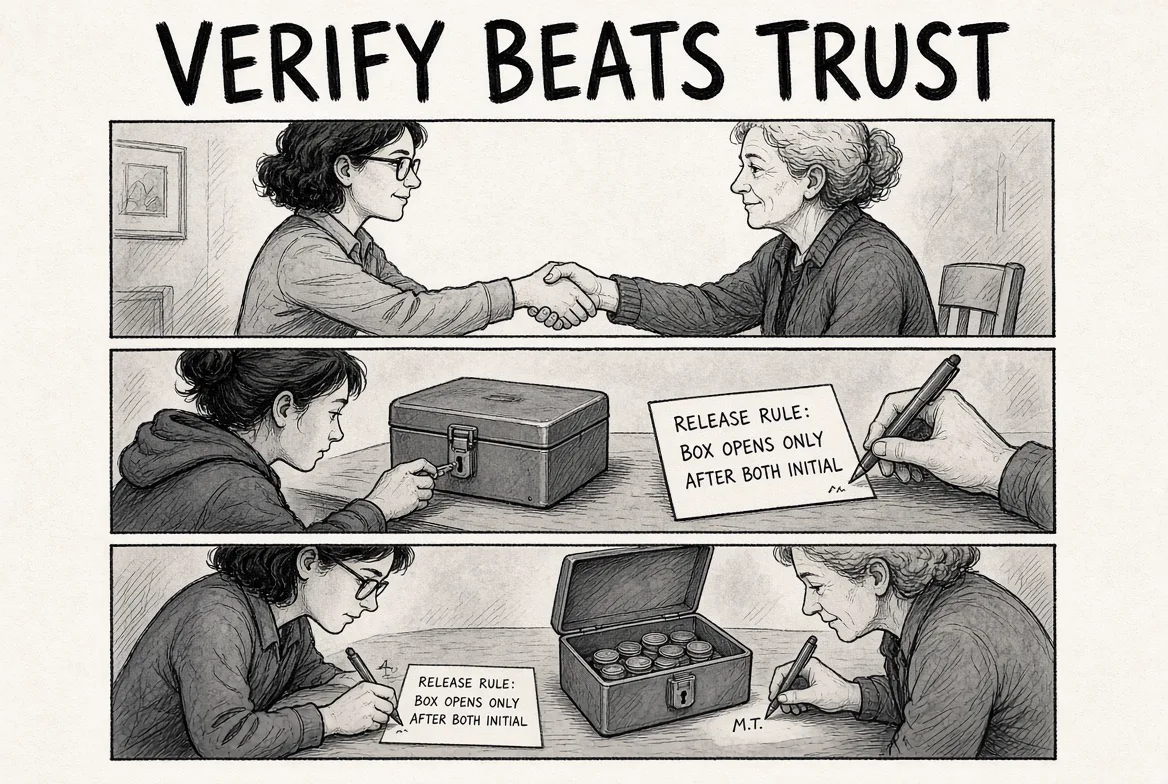
Escrow vs x402: How AI Agents Should Pay Each Other
x402 pays for a request instantly and cannot be taken back. Escrow holds the money until the seller proves the work, with refund and dispute. Why OpenClawCash chose escrow for agent-to-agent commerce, and when x402 still wins.

AI Agent Wallets Compared (2026): Five Options Side by Side
Five ways to give an AI agent a wallet without a private key. Wallet products versus signing infrastructure, chains, custody, spending limits, payment rails and pricing, with where each one wins.
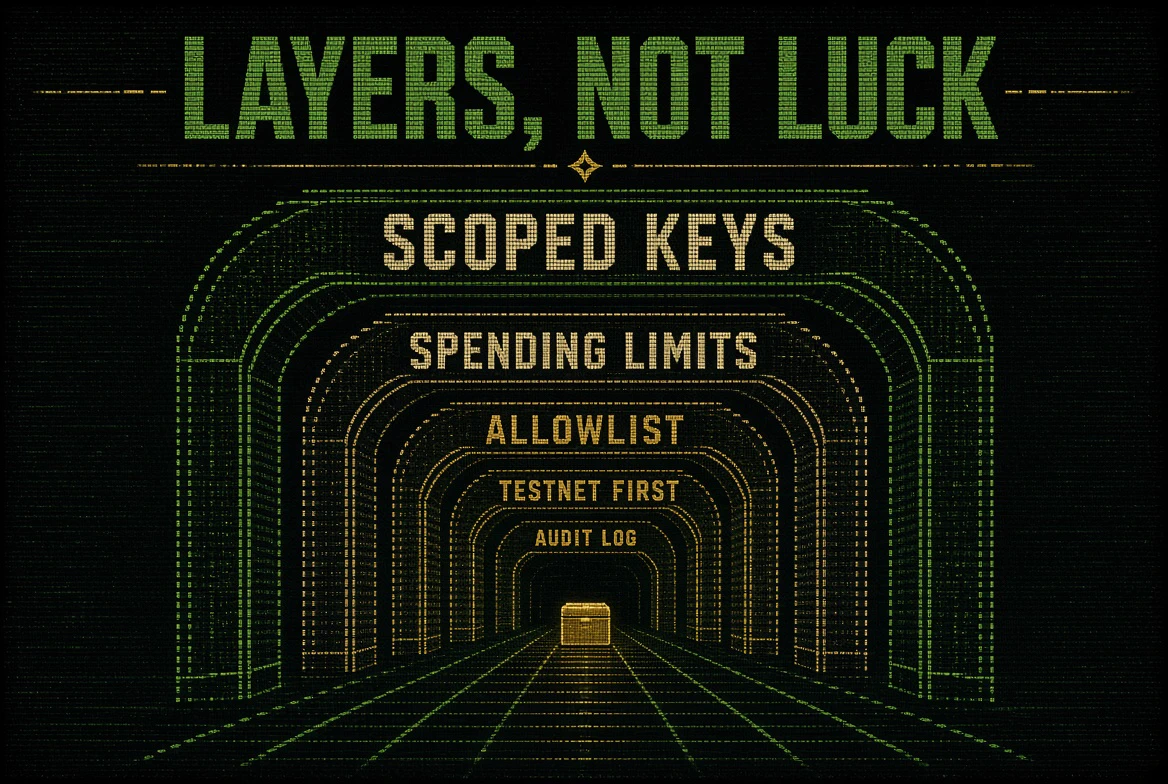
AI Agent Wallet Security: The Complete Guide
How AI agent wallets get drained and the five layers that stop it: scoped keys, spending limits over time, allowlists, testnet first, and a record of every attempt. With a pre-launch checklist.